
Bluetooth music and boxing target cues can be two separate signal paths. Bluetooth sends audio from a phone for the user to hear; the trainer's own program decides which target to prompt and when. On KINEPEAK, changing, pausing, or skipping a song does not make the device remap its target sequence.
What travels over Bluetooth, and what stays on the trainer?
It helps to picture two parallel lanes.
In the audio lane, a phone is the source. The user chooses a playlist, podcast, or other audio and sends it over Bluetooth for playback. Common phone controls, play, pause, skip, and volume, affect what the user hears.
In the training lane, the boxing device is the source. The user chooses a mode on the trainer, and the device generates visible prompts and round behavior. The cue system tells the user where to respond. Its timing comes from the selected device program, not from the phone's song timeline.
The two lanes meet in the user's experience, not necessarily in the electronics. You hear music while seeing prompts, and your movement connects them. That can feel integrated even when no beat data passes between the phone and the target system.
This distinction prevents a common misunderstanding: a Bluetooth connection does not automatically mean the phone is running the workout. Bluetooth is a transport technology. Its actual role depends on what the product documentation says it carries.
Why can separate systems still feel like one workout?
People are good at finding rhythm. If a song has a clear pulse, you may naturally settle your stance, breathing, and return-to-guard timing around it. When a target appears, you respond inside that broader musical feel. The result can feel coordinated without the device having analyzed a single beat.
The separation can be an advantage:
- You can choose music for taste, mood, or familiarity.
- You are not limited to tracks that a specific app can analyze.
- The device can continue its core round without an active phone screen.
- A song change does not rewrite the training task.
- The visual cue remains the clear instruction when the music becomes complex.
Exercise research supports the value of the listening experience itself. A meta-analysis of music in exercise and sport found average benefits for enjoyment, affect and perceived effort, and a review of music preference found that self-selected tracks often work better than imposed music. Those benefits do not depend on the target lights being synchronized to the audio.
The limitation is equally clear. If your main goal is choreography in which every prompt lands on a musical event, an independent system will not provide that automatic mapping. You may find songs that feel compatible, but the match is subjective and can drift.
Which controls affect the soundtrack, and which affect the round?
A clean mental model reduces setup frustration.
| Action | Expected effect in a separate-path system |
|---|---|
| Pause the song on the phone | Audio stops; the device round may continue |
| Skip to a faster song | The soundtrack changes; target logic stays the same |
| Change phone volume | Listening level changes; cue timing stays the same |
| Select another device mode | Round behavior changes; the phone playlist can continue |
| Put the phone screen to sleep | Audio may continue according to phone settings; core device prompts do not require the screen |
| Disconnect Bluetooth | Background audio stops or moves to the phone; the trainer's core mode remains a device function |
Exact pairing and button behavior should follow the final product manual. Keep one rule in mind: an audio control is not a target control unless the manufacturer documents that connection.
This also helps with troubleshooting. If you can hear music but the round is not behaving as expected, changing the playlist is unlikely to fix a device-mode selection problem. If target prompts work but there is no sound, focus on the phone's Bluetooth connection, media output, and volume rather than the target program.
How should you choose music for independent target cues?
Choose for the session you want, not for a supposed automatic sync that does not exist.
For technique-focused practice, use music that leaves enough mental space to notice stance, target choice, punch path, and recovery. For a personal Challenge, a familiar track can make repeated attempts feel less clinical. For intervals, energetic music may help the work periods feel engaging, but it should not push the user beyond controllable movement.
Three practical rules work well:
- Let the cue win. Respond to the visible target rather than forcing a punch onto a beat that arrived at the wrong moment.
- Use preference, not just tempo. A song you genuinely enjoy may support motivation better than a theoretically perfect beats-per-minute number.
- Reduce stimulation when form degrades. Lower the volume, choose a calmer track, or train without music if the combined input makes you tense or rush.
There is no need to calculate a precise song tempo for KINEPEAK because the device does not use the song's tempo as its cue engine.
How this works on KINEPEAK
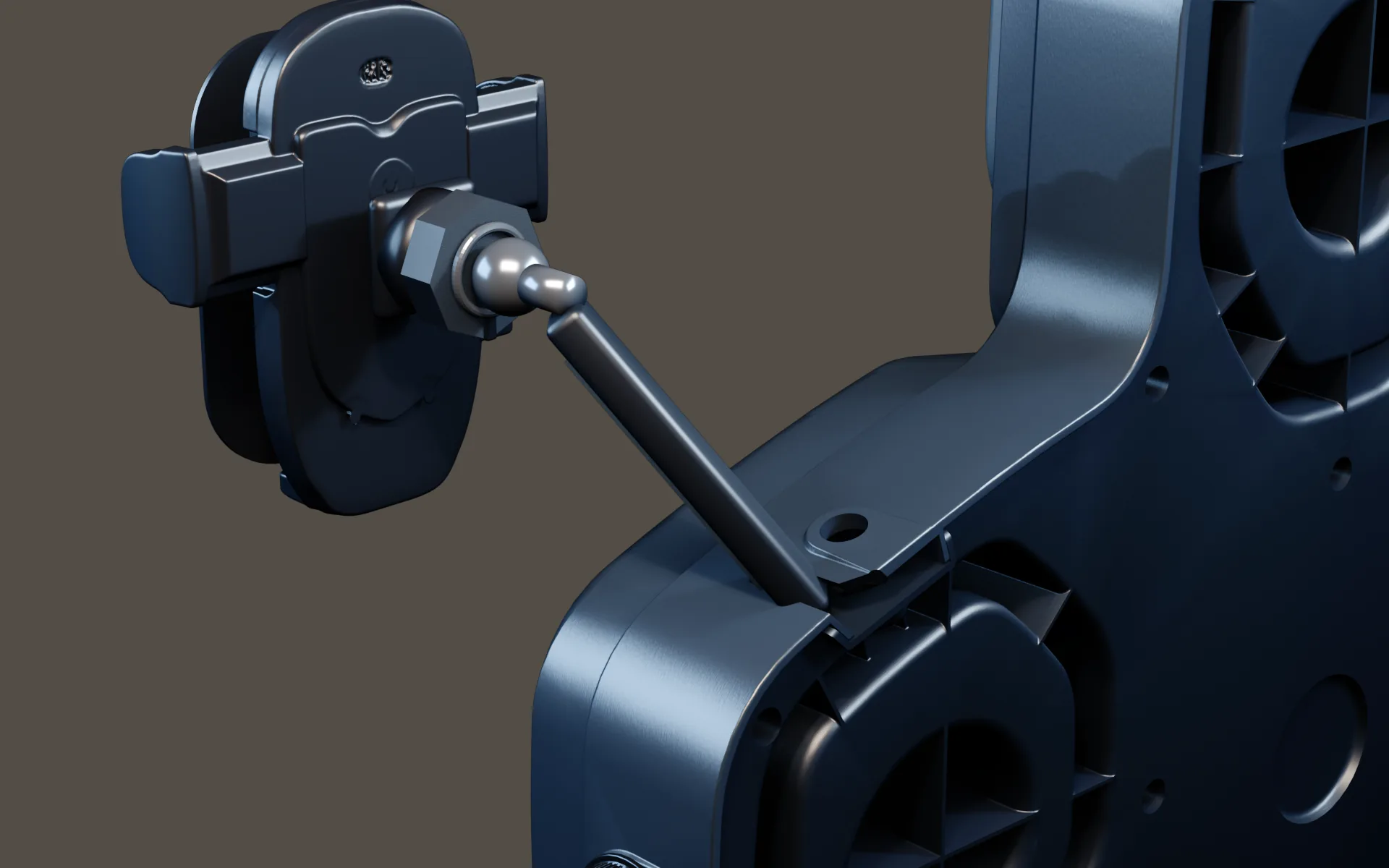
KINEPEAK provides five target zones and three principal on-device modes: Train, Challenge, and HIIT. Four buttons and a rotary knob support the device-side experience. The phone holder provides a convenient viewing position, while the lower hook can support an appropriate small use item such as a towel during training or gloves when idle.
Bluetooth's confirmed role is background-audio playback. The target prompts operate independently. There is no confirmed external-music beat detection, AI music analysis, punch-force sensing, or phone-based automatic coaching.
The core experience does not require an app or subscription. A phone can enrich the session with the user's own audio, but it is not the gatekeeper for starting the device modes. Challenge remains a single-user round; two household members can take separate turns if the essentially fixed installation height suits both.
What should you check if the experience does not match your expectation?
Start by identifying which lane has the problem.
If the audio is the problem:
- confirm the phone is connected to the intended audio device;
- confirm media audio is playing, not merely that Bluetooth is paired;
- check phone and device listening levels according to the manual;
- try a known audio source before changing training settings.
If the target prompts are the problem:
- confirm the intended mode is selected on the device;
- restart the round according to the product instructions;
- do not expect a song change to alter the cue sequence;
- consult the controlled manual or support path for device-specific steps.
If the two feel mismatched:
- remember that they are intended to run independently;
- choose a different track or reduce the cue pace if available;
- focus on visual response rather than musical choreography.
This troubleshooting framework separates audio pairing from target behavior. Use the KINEPEAK setup manual for exact pairing steps, status indicators, charging behavior and control sequences.
Practical takeaway
Before a session, make two choices in order:
- Choose the training job on the device. Use Train for repeatable practice, Challenge for a personal attempt, or HIIT for the confirmed interval format.
- Choose the room soundtrack on the phone. Pick audio that supports the effort and mood without expecting it to program the targets.
If something goes wrong, diagnose audio and prompts separately. That one habit makes the product easier to understand and prevents a normal lack of beat synchronization from being mistaken for a malfunction.
Frequently asked questions
Will pausing my phone pause a KINEPEAK round?
Pausing phone audio is an audio action, not a round-control action. KINEPEAK's core prompts run on the device; use the device controls to manage the training round.
Can I use KINEPEAK without Bluetooth?
The confirmed core training experience does not require an app or subscription, and Bluetooth is described as the background-audio path. The device modes and prompts are not dependent on external music. Final setup details should still be checked against the approved manual.
Does the phone holder mean I need to watch an app?
No. The holder is a physical viewing position, not evidence of a required app. A phone may be used for music, a separate timer, or a reference, but KINEPEAK's core session is device-led.
Why do the lights sometimes feel on beat?
Your own timing can create moments of alignment, especially with steady music. That does not mean the device analyzed the track. On KINEPEAK, the target system and external music remain independent.
Can Bluetooth delay affect the target cues?
Audio connections can have their own latency, but KINEPEAK's targets are not scheduled from the external song. Any audio delay changes what you hear; it should not be described as changing or calibrating the device's independent target logic.
Explore KINEPEAK
If you want device-led target rounds with optional Bluetooth background music and no required subscription for the core experience, explore the KINEPEAK product overview.
Sources
- KINEPEAK Product overview (confirmed product modes, controls, Bluetooth music behavior, mounting approach and home-use boundaries)
- Ballmann, C. G. , The Influence of Music Preference on Exercise Responses and Performance: A Review
- Terry, P. C., et al. , Effects of Music in Exercise and Sport: A Meta-Analytic Review
- Frontiers in Psychology , Exploring the Use of Music to Promote Physical Activity